🎉 New Year, New Savings! ✨ Get smarter time tracking with Up to 15% OFF your first year of TimeLive!
Days
Hours
Minutes
Seconds

Geofence Polygon For Precise Location-Based Tracking

Draw custom zone boundaries around any site and control what happens when employees clock in outside them.

Trusted by the World’s Top Enterprises

Rated and verified by

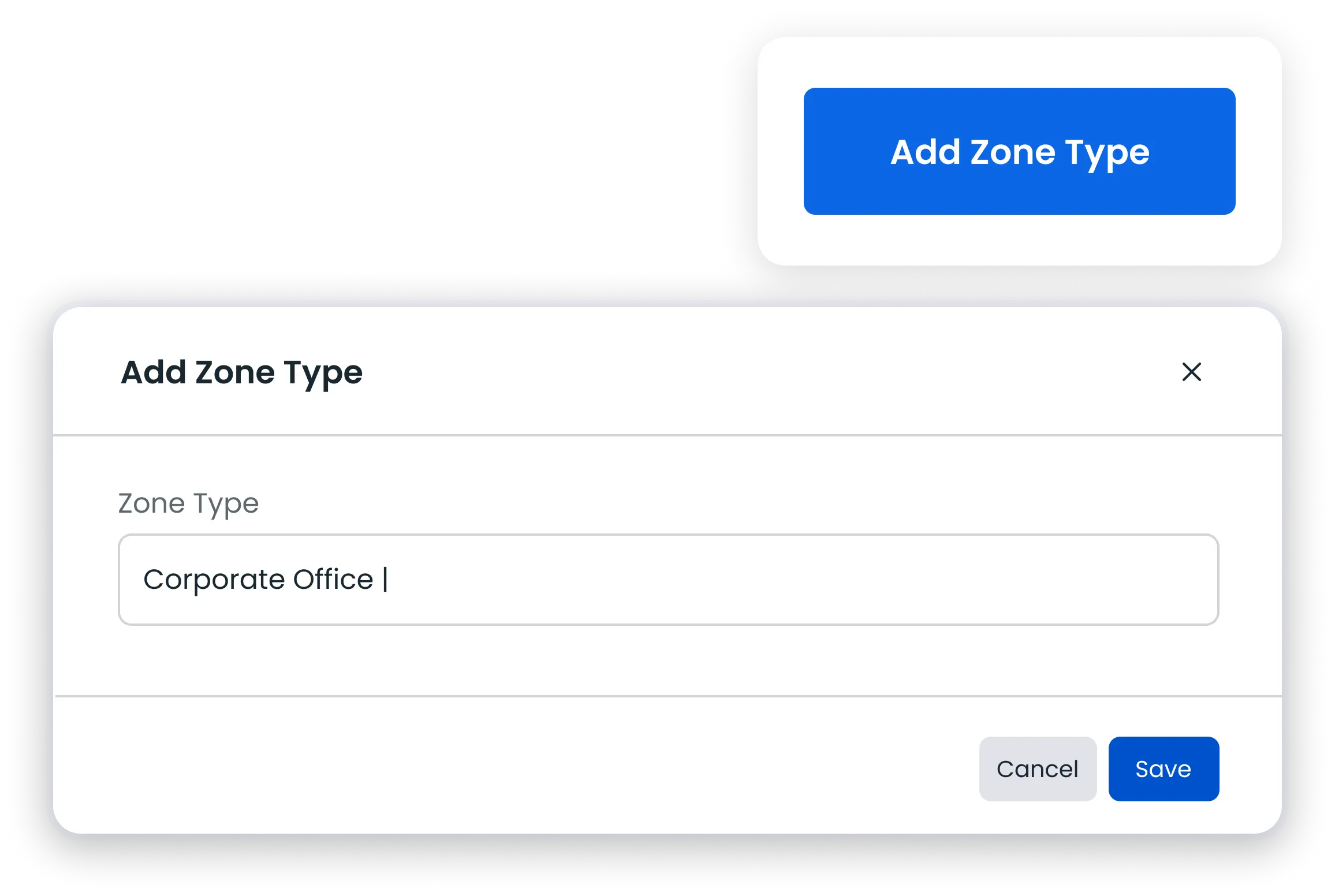
Add Zone Type-Polygon

Custom Zone Types

Group sites into categories like warehouses or retail stores and switch them on or off anytime

geofence polygon

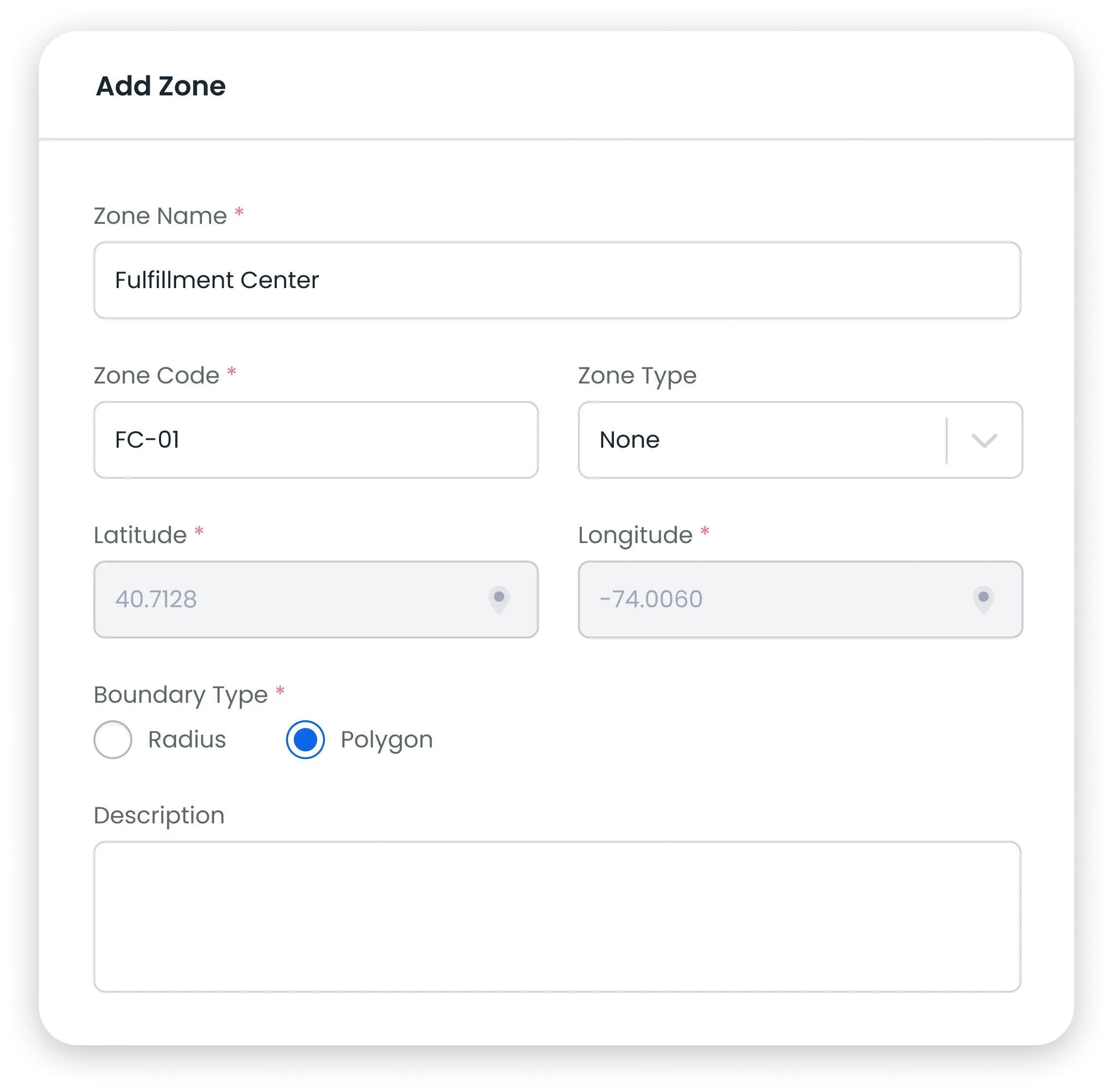
Polygon Boundaries

Choose Polygon over Radius to trace the exact shape of a building or lot

Features-Add Zone-Polygon

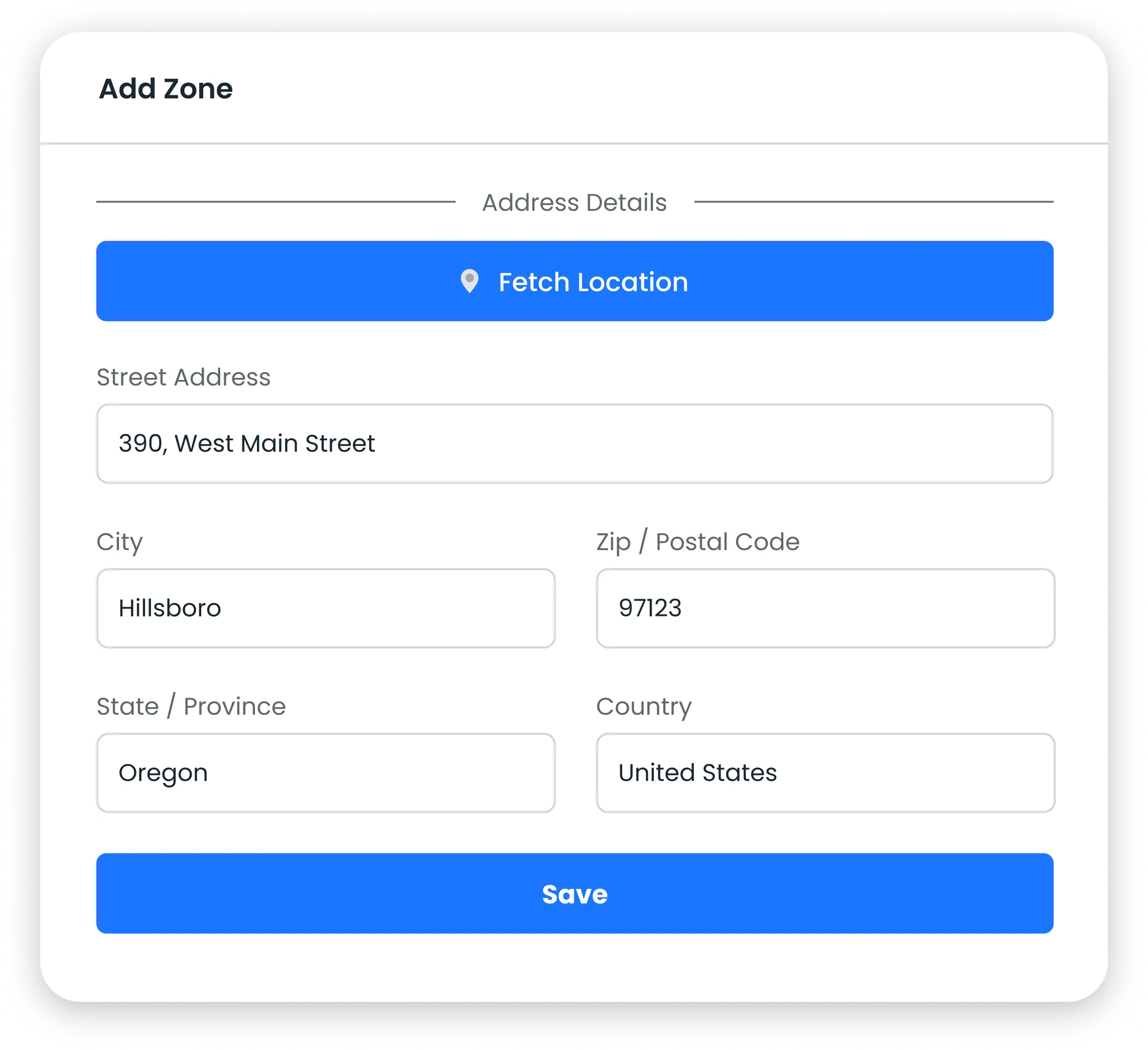
One-Click Address

Fetch Location fills in street, city, postal code and country for you

geofence polygon

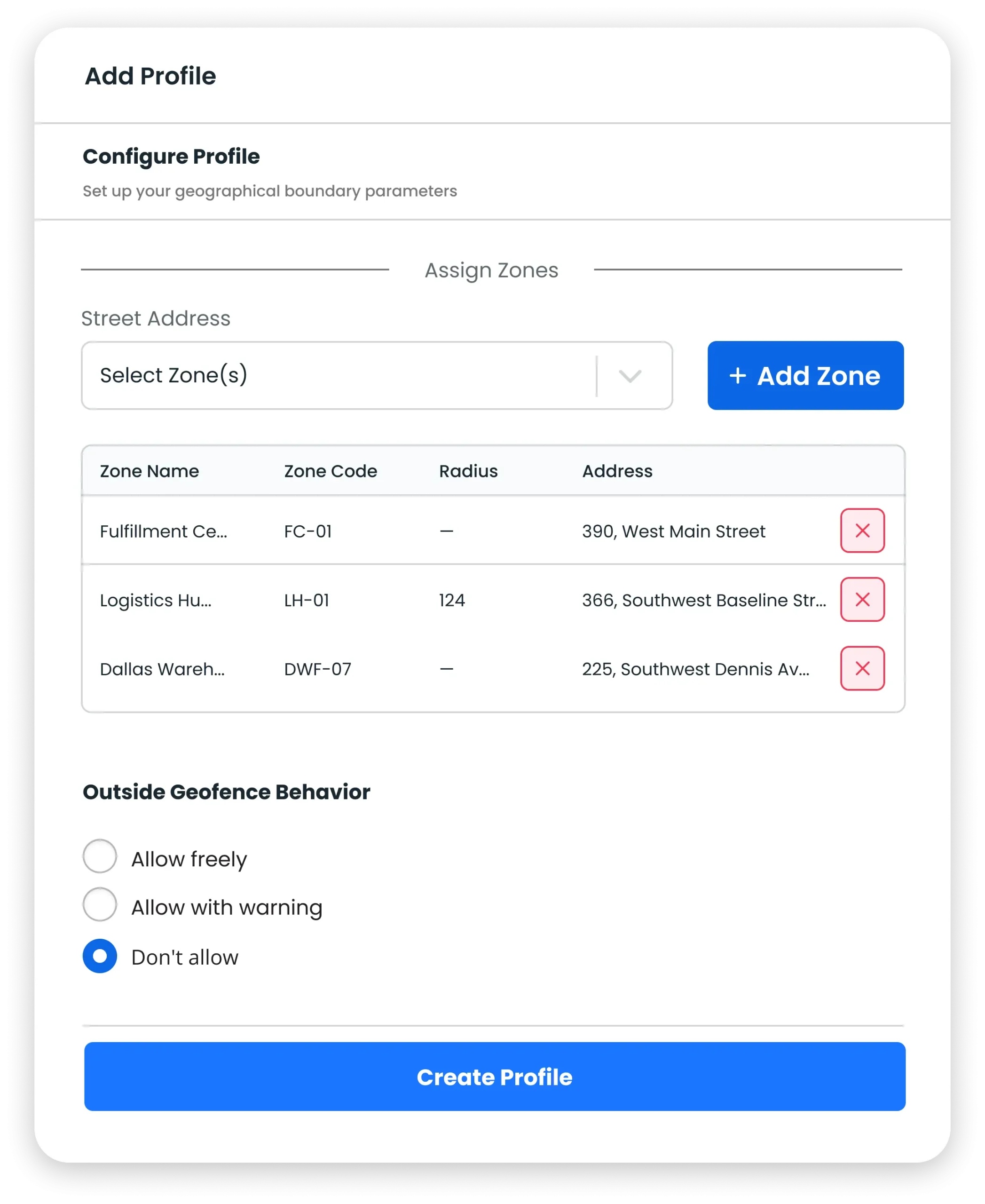
Restrict Outside Access

Assign zones to a profile and choose to allow freely, allow with warning, or block

geofence polygon

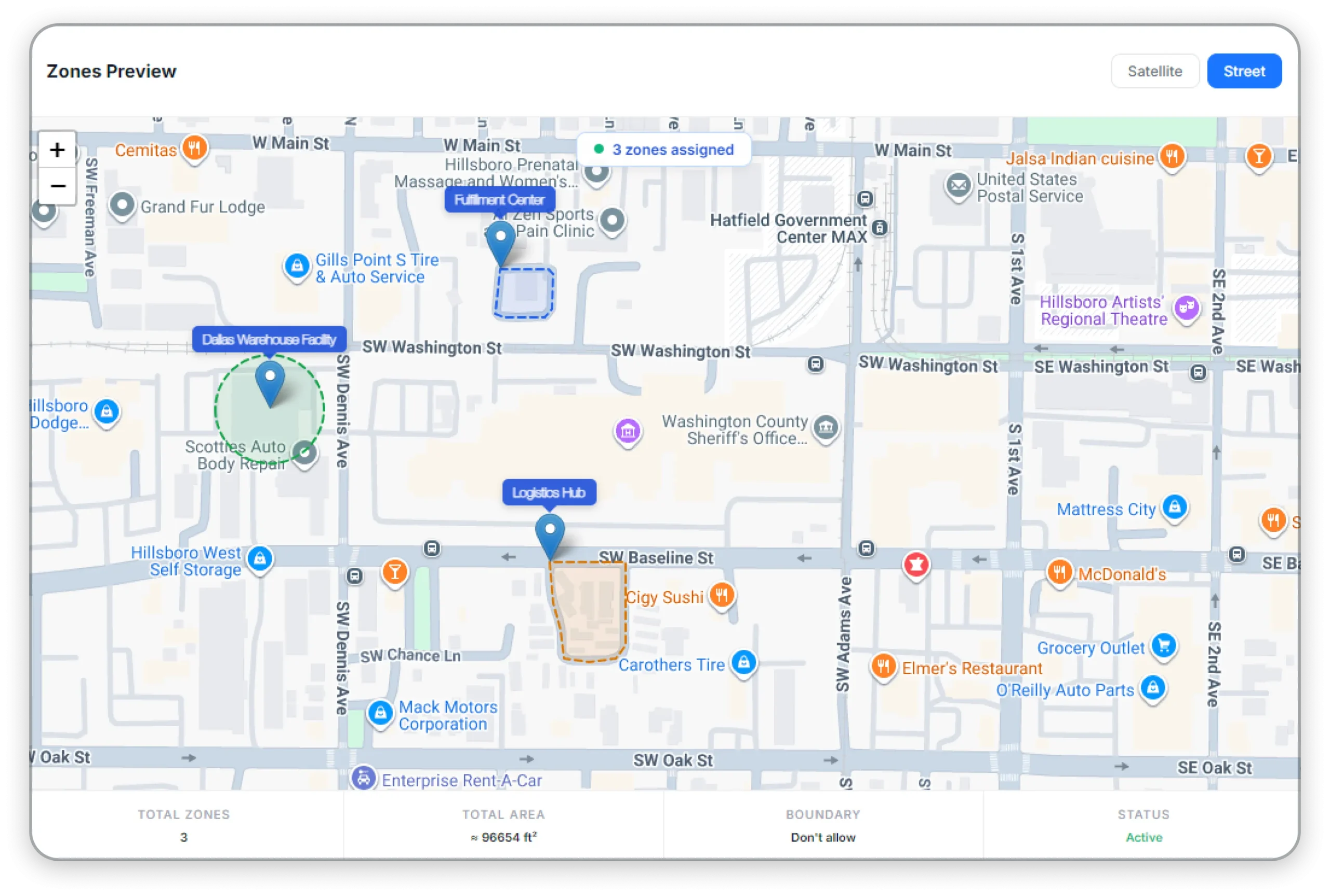
Zones Preview

See every assigned zone on one map with total area, boundary rule and status

Build your dashboard today

Set up the widgets your team actually uses and see your work at a glance.

FAQs

frequently asked questions

Find your answers to these frequently asked questions

What is the Geofence Polygon feature?
Geofence Polygon lets you draw a custom boundary around a site instead of a simple circle, so time and attendance are captured only within the exact area you define.
A radius zone is a circle around one point. A polygon follows the real shape of a building, campus or lot, avoiding false check-ins from neighbouring properties.
Yes. Add as many zones as you need to a geofence profile and mix polygon and radius boundaries in the same profile.
You choose per profile: Allow freely, Allow with warning, or Don’t allow — which blocks the action until the employee is inside an assigned zone.
No. Use Fetch Location to fill in the address automatically, then adjust the polygon on the map preview.
Yes. Zones Preview shows every assigned zone on a street or satellite map with total zones, total area, boundary rule and status.